Productivity
How to Create a Personal Kanban Board for Work and Daily Productivity

Maya Collins · · 7 min read
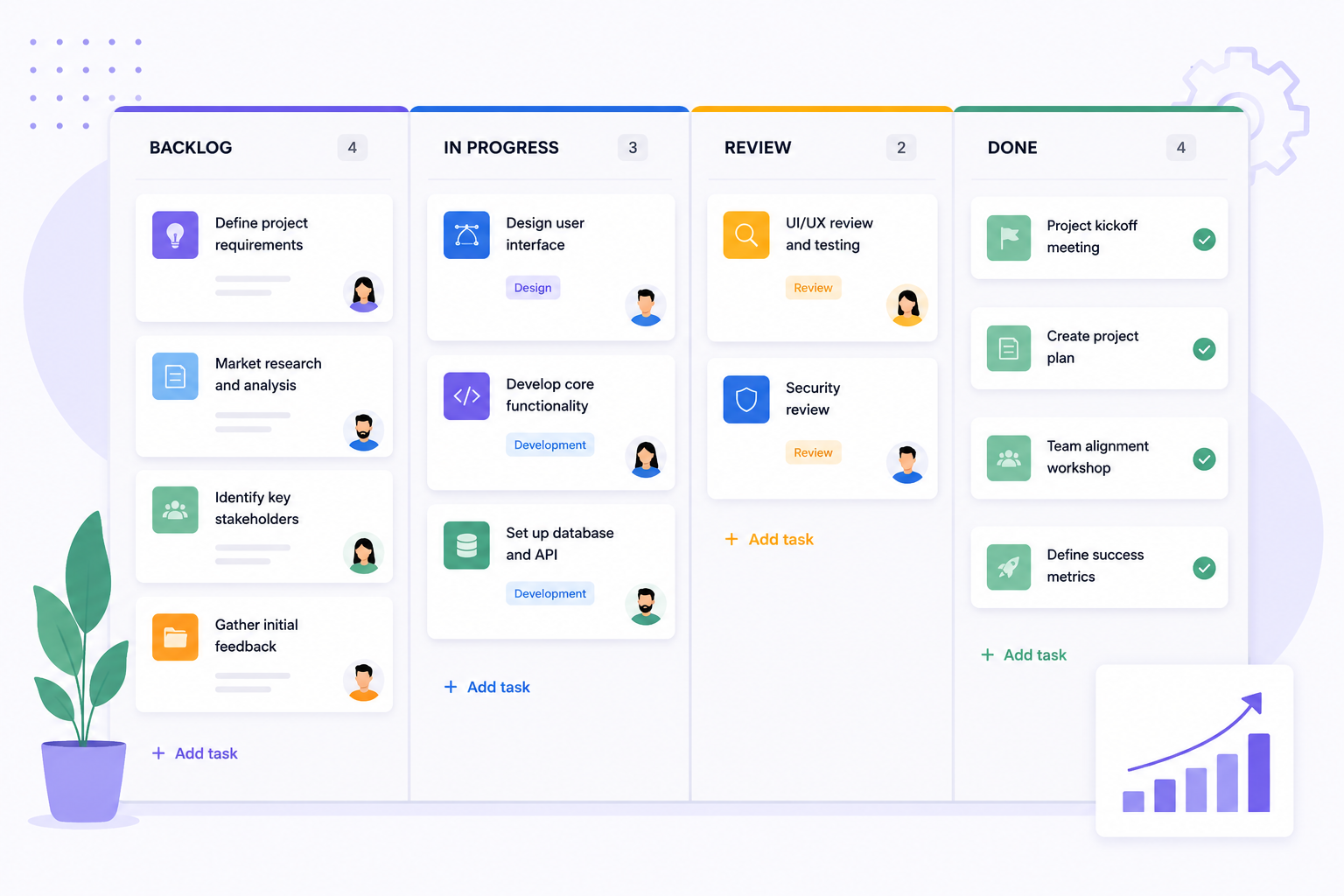
Personal productivity gets a lot easier when your tasks are visual, structured and simple to reprioritise. A personal Kanban board reduces mental overhead and keeps your attention on what actually matters today.
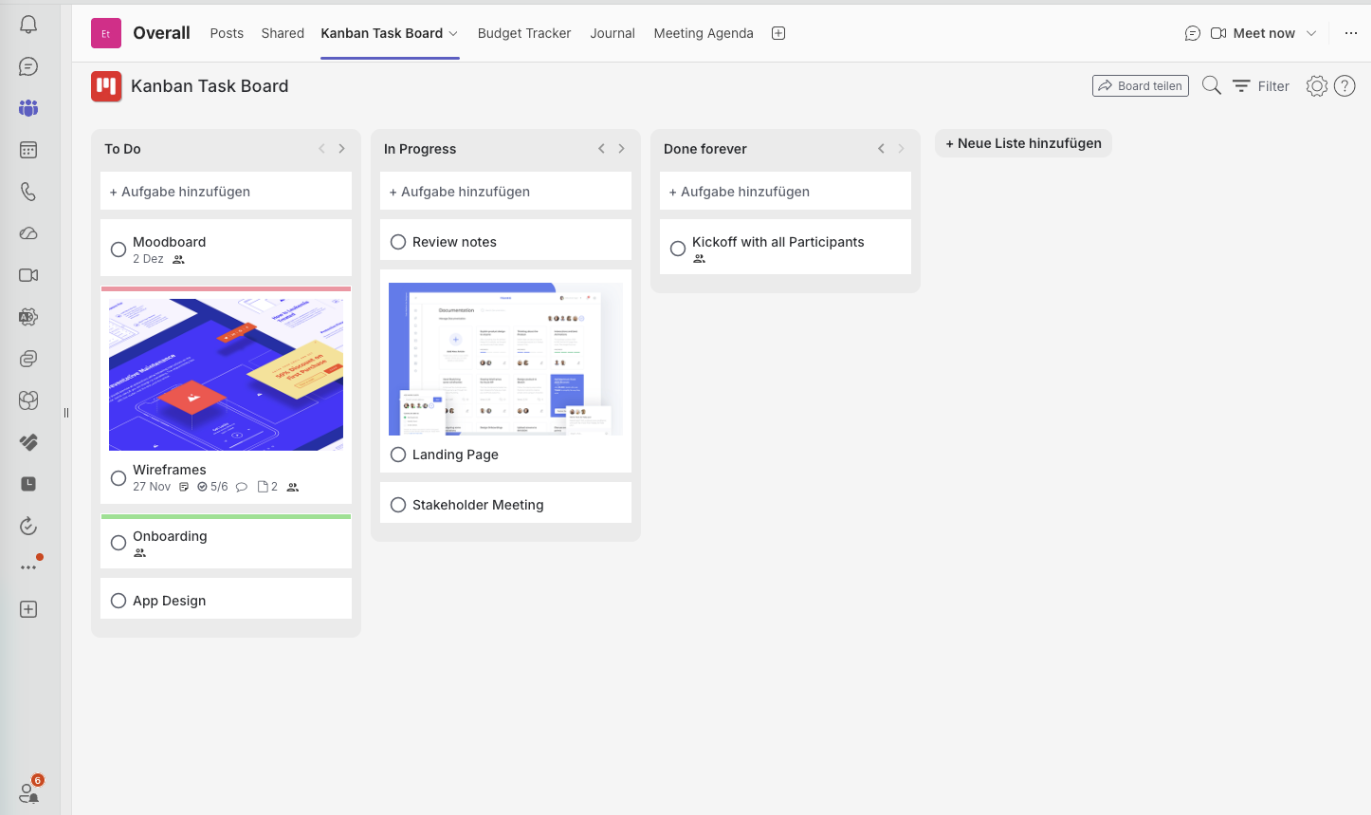
Instead of scattered notes and a to-do list that never ends, you get a small workflow with clear priorities and visible progress. With Kanban Task Board you can run that workflow privately inside Microsoft Teams or on the web.
What is a personal Kanban board?
It is a visual task system that splits your work into stages. Most people start with three columns and never need more:
- To Do — upcoming tasks you have committed to
- In Progress — what you are actively working on right now
- Done — completed work you can look back on
Option 1: a private Kanban board inside Microsoft Teams
- 1Open Microsoft Teams.
- 2Create a private team or channel.
- 3Make sure only you have access to it.
- 4Click the plus (+) button at the top of the channel.
- 5Add Kanban Task Board.
- 6Create your personal board and start adding cards.
This suits anyone who already spends the day in Teams and wants a lightweight system inside the tool they never close.
Option 2: a personal Kanban board on the web
If Teams is not part of your day, use Kanban Task Board in the browser and log in securely with an email link. It works well for freelancers, students, remote workers, side projects and plain life organisation.
Benefits of the web version
- Reachable from anywhere
- Works on desktop and mobile browsers
- No Microsoft Teams dependency
- Simple, distraction-free workflow
What can you organise with a personal board?
| Category | Examples |
|---|---|
| Daily work | Meetings, tasks, priorities, deadlines |
| Personal goals | Fitness, habits, routines, learning |
| Side projects | Content, freelance work, startup ideas |
| Planning | Travel, events, home organisation |
Category
Daily work
Examples
Meetings, tasks, priorities, deadlines
Category
Personal goals
Examples
Fitness, habits, routines, learning
Category
Side projects
Examples
Content, freelance work, startup ideas
Category
Planning
Examples
Travel, events, home organisation
Why personal Kanban works so well
Most productivity systems collapse under their own complexity. Personal Kanban survives because it is visual, flexible and cheap to maintain: you move a card instead of redesigning your system. Over weeks that produces better focus, less stress and far more consistent follow-through.
Written by
Maya Collins
Maya Collins helps distributed teams streamline their workflows with practical Kanban systems and lightweight agile processes. She writes about collaboration, removing bottlenecks, and building work routines that survive a busy quarter.