Productivity
Why Combining Kanban and Budget Tracking Creates Smarter Teams

Maya Collins · · 7 min read
Teams are expected to move fast, collaborate well and still land inside budget. In most organisations, though, execution and money live in different places: tasks sit on a board, budgets sit in a spreadsheet, and reporting happens somewhere else entirely.
That split creates blind spots. A team can finish work at an impressive pace and quietly blow past its budget. A manager can guard spending closely and never notice the bottleneck slowing everything down. Putting a Kanban workflow and budget tracking in the same workspace removes the guesswork on both sides.
Why Kanban and budget tracking fit together naturally
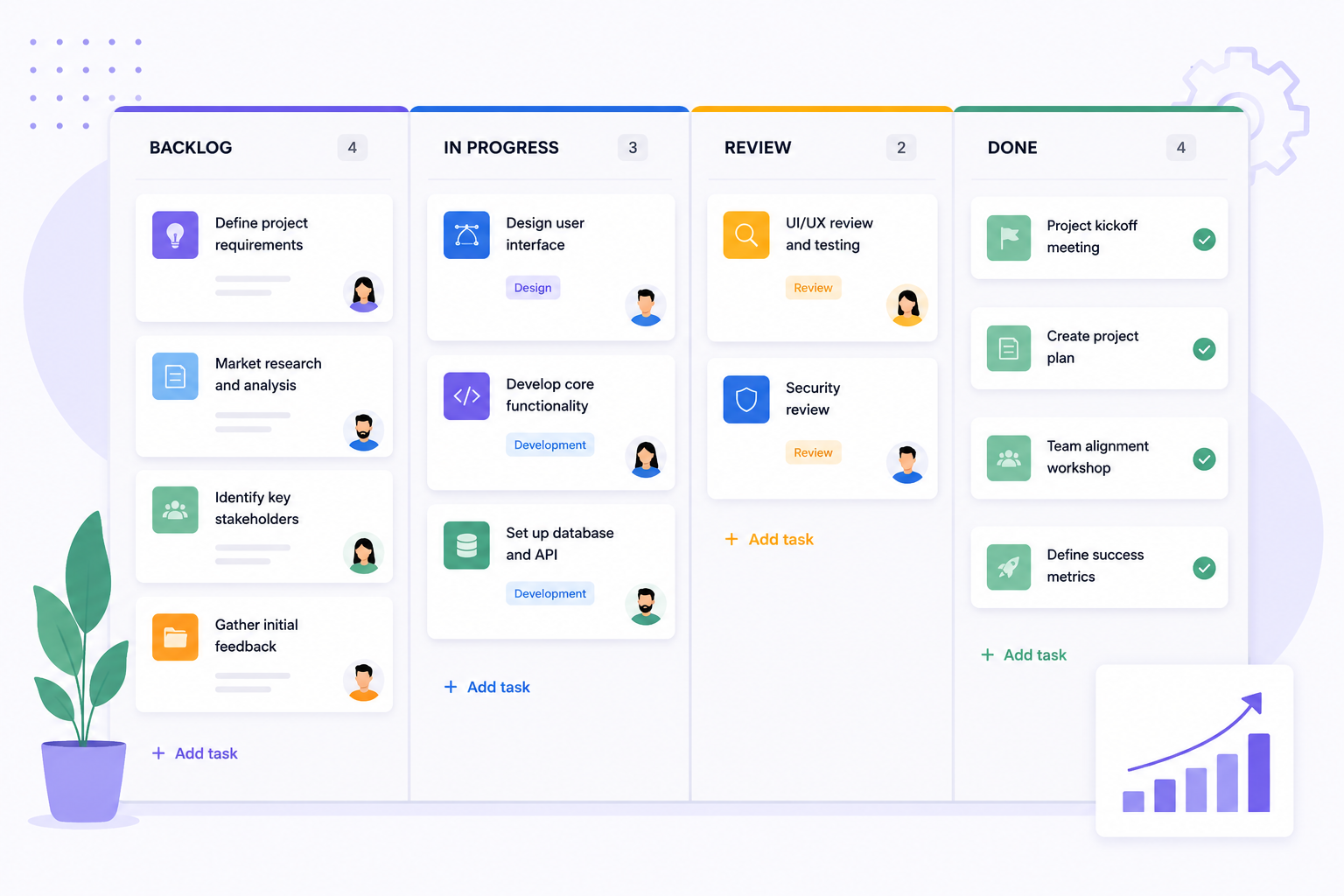
Kanban is about visibility, flow and prioritisation. Budget tracking is about financial clarity, control and forecasting. Neither one is complete on its own. Knowing what is moving through the pipeline is only half the picture; the other half is knowing what that movement costs.
The advantage of keeping everything in the same Microsoft Teams channel
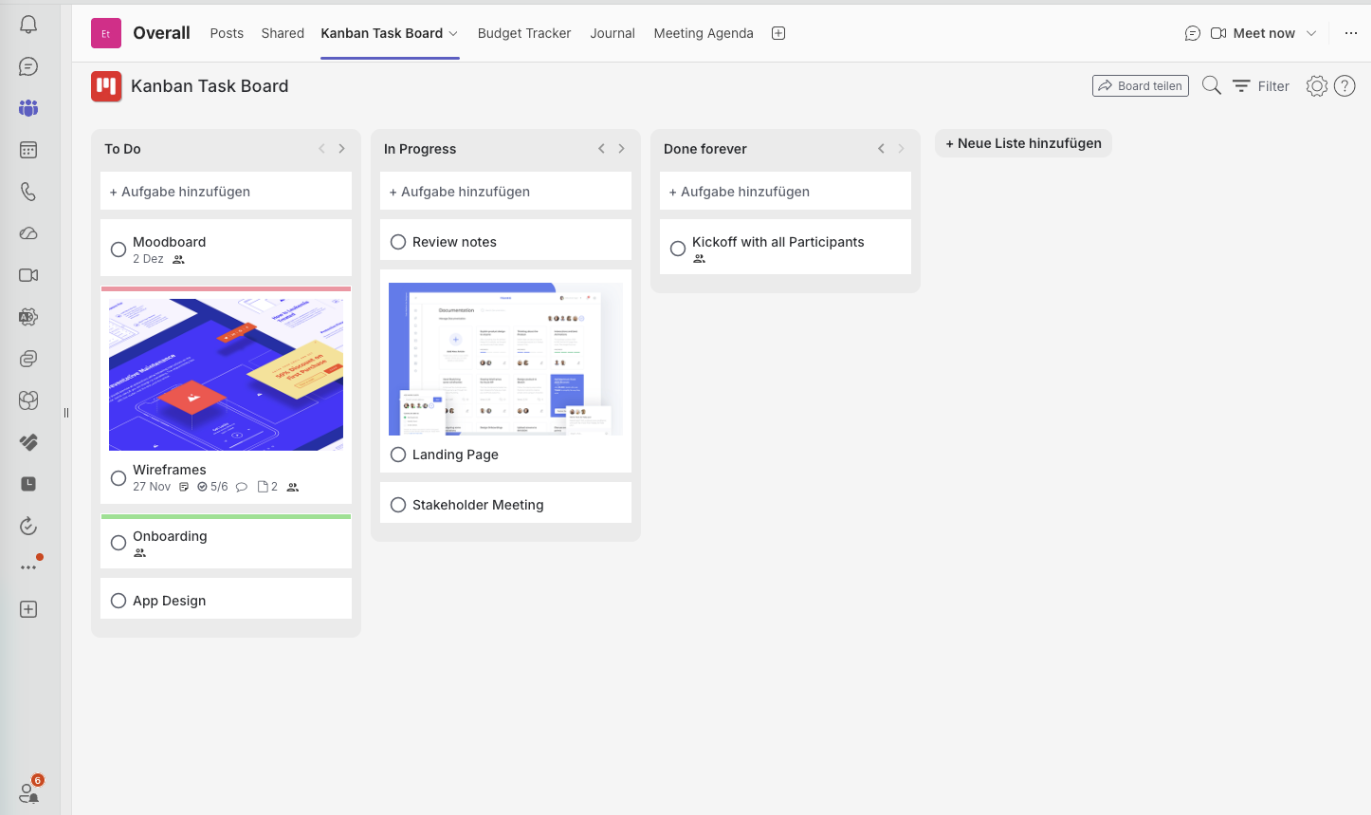
The biggest gain comes from keeping project management and financial tracking inside the same Microsoft Teams workspace. Boards, budgets, expenses and dashboards sit next to the conversation instead of behind three logins.
- Better decisions: progress and spending can be compared side by side.
- Less context switching: no jumping between spreadsheets, finance tools and task apps.
- Stronger collaboration: budget discussions happen where the work is planned.
- Real transparency: everyone sees the same operational and financial numbers.
- Faster reporting: dashboards give managers an instant overview, on demand.
Typical use cases for combining Kanban and budget management
| Scenario | Benefit |
|---|---|
| Marketing campaigns | Track campaign tasks and monitor advertising spend at the same time. |
| Software development | Control feature priorities while keeping external service costs visible. |
| Operations teams | Follow ongoing work and departmental budgets in real time. |
| Agencies and consulting | Keep projects profitable by aligning client work with actual expenses. |
Scenario
Marketing campaigns
Benefit
Track campaign tasks and monitor advertising spend at the same time.
Scenario
Software development
Benefit
Control feature priorities while keeping external service costs visible.
Scenario
Operations teams
Benefit
Follow ongoing work and departmental budgets in real time.
Scenario
Agencies and consulting
Benefit
Keep projects profitable by aligning client work with actual expenses.
Why budget dashboards matter
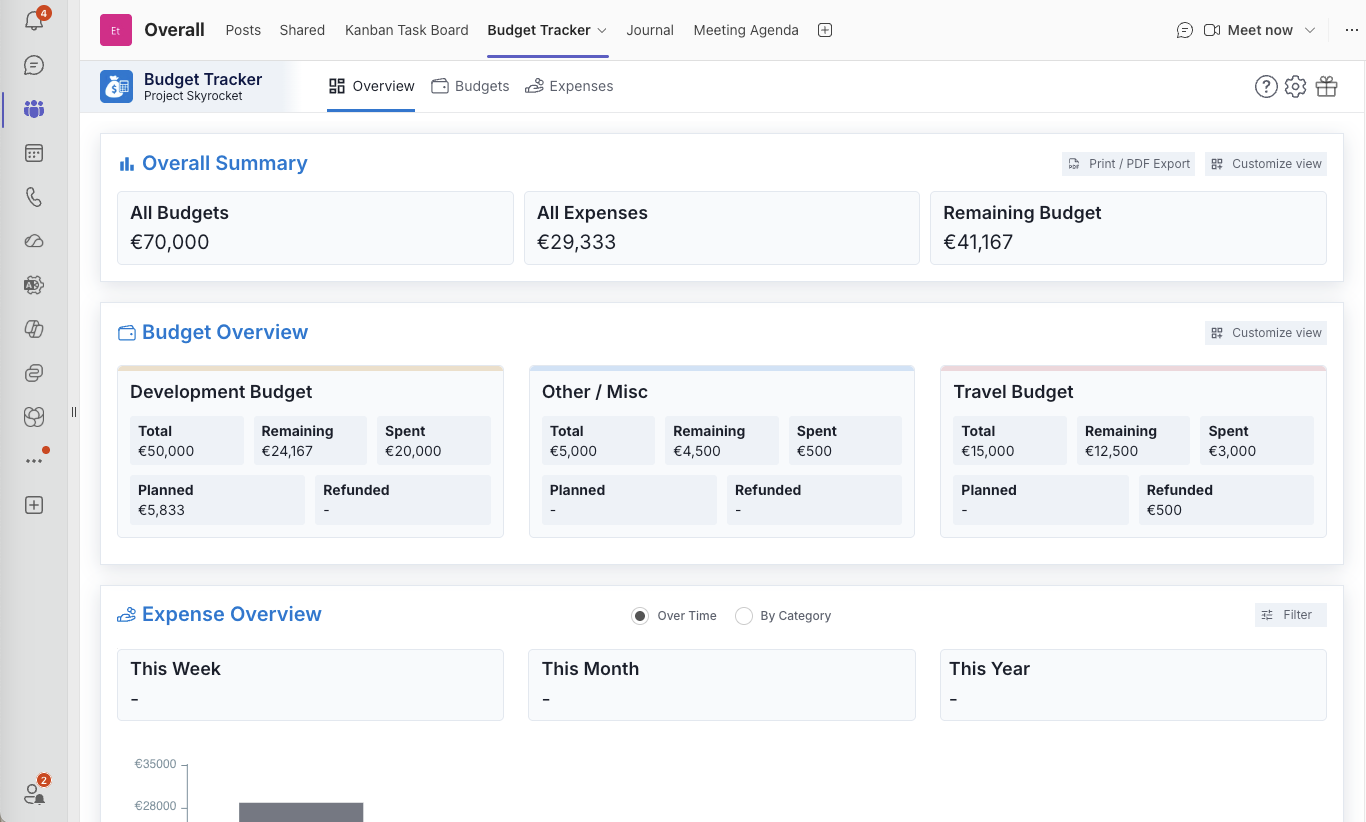
A dashboard turns raw financial data into something a team can act on. Instead of scrolling a list of disconnected expenses, you see total budget, remaining budget, planned costs, refunds and actual spend in one view.
Inside Microsoft Teams that view is always a click away, so financial awareness becomes part of daily work rather than a monthly reporting ritual.
Building a more responsible workflow culture
Teams that see both workflow and budget tend to take more ownership. People understand not only what has to be delivered, but how their choices about scope, vendors and tooling affect the result.
Prioritisation gets healthier, and the classic late-stage budget surprise mostly disappears.
A practical setup for Microsoft Teams
- 1Add Kanban Task Board as a tab in the channel where the project is discussed.
- 2Create one board per project, with columns that match how the work really flows.
- 3Add a budget tracking tab in the same channel and connect it to the same project. Budget Tracker App for Microsoft Teams
- 4Review board and budget together in your weekly check-in — one tab, then the next.
Most organisations already run Kanban boards in Teams. Adding budget tracking beside them centralises operational and financial management without introducing another platform to learn.
Written by
Maya Collins
Maya Collins helps distributed teams streamline their workflows with practical Kanban systems and lightweight agile processes. She writes about collaboration, removing bottlenecks, and building work routines that survive a busy quarter.