Methodology
Mastering Kanban Methodology: WIP Limits, Workflow Pipelines and Smarter Team Collaboration in Microsoft Teams

Daniel Weber · · 11 min read

Teams are asked to move faster every year while staying organised and aligned across several projects at once. That is precisely the problem the Kanban methodology is good at.
It started in manufacturing, was adopted by agile software teams, and is now used across HR, marketing, operations, support, finance and product. The core idea has not changed: make work visible, limit overload, improve the flow.
What is the Kanban methodology?
Make work visible, then optimise the flow of tasks through it.
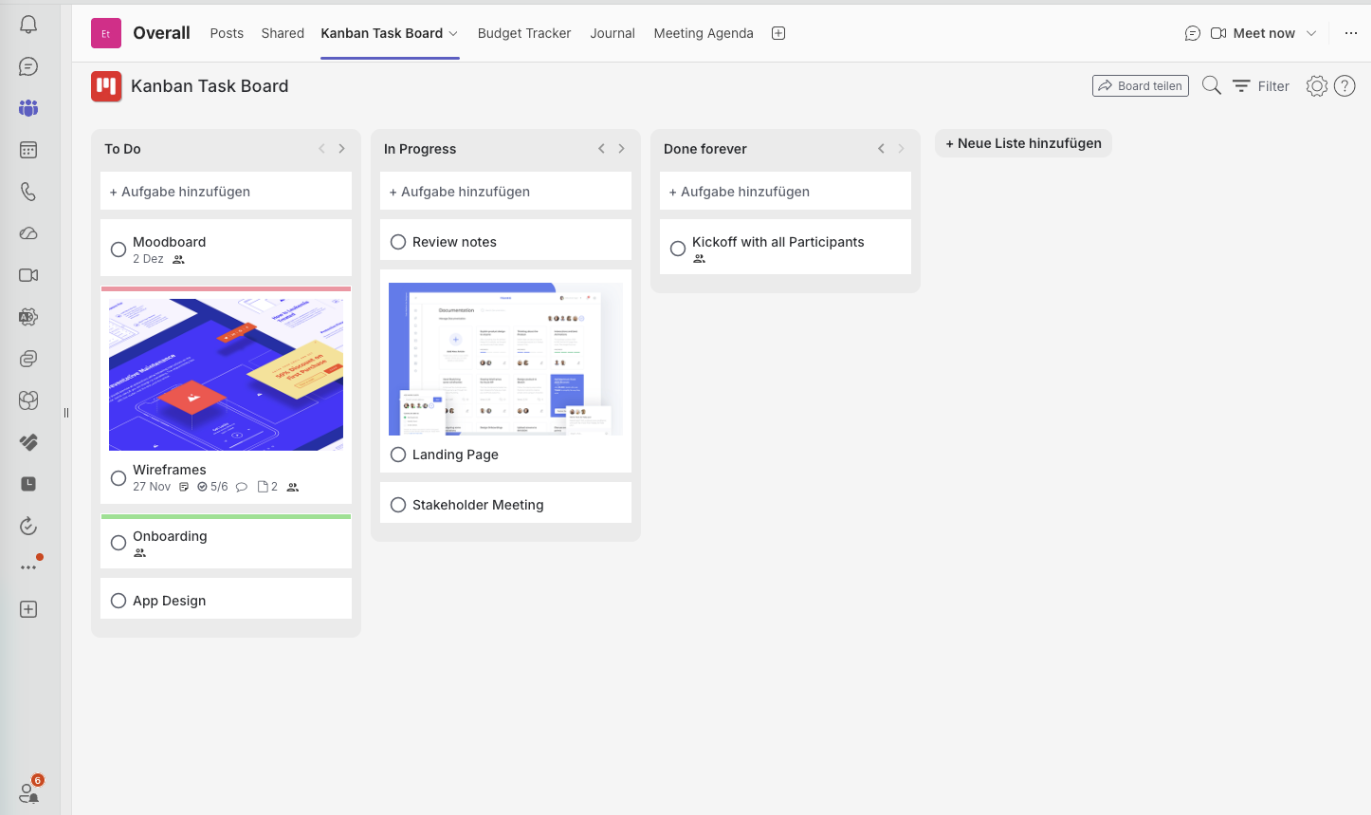
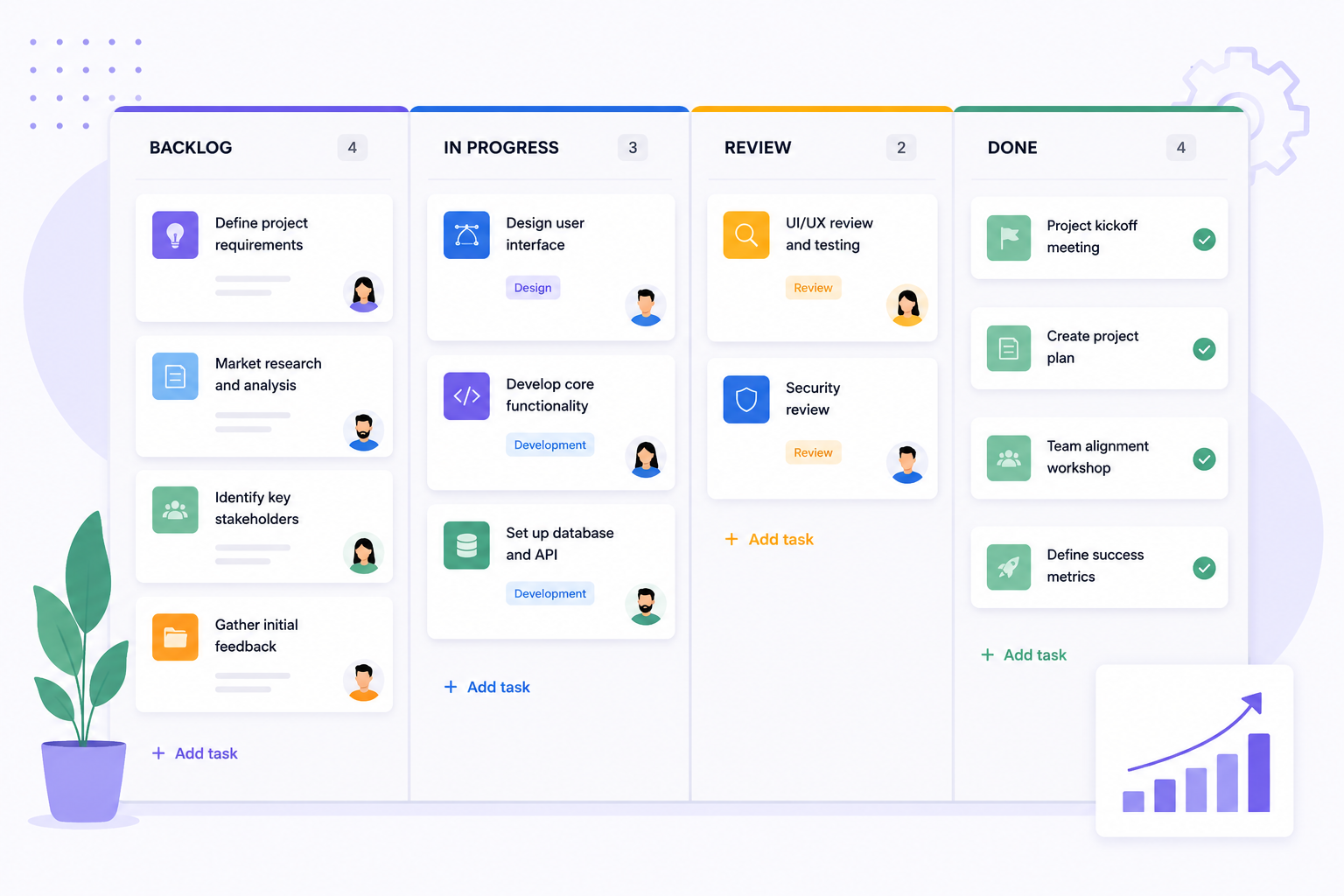
A Kanban board is organised into workflow stages — commonly Backlog, To Do, In Progress, Review and Done. Cards move left to right, and anyone can see the state of the work without asking for an update.
Why WIP limits matter
WIP stands for work in progress. Rather than allowing unlimited active tasks in a stage, Kanban asks you to cap them deliberately. It feels restrictive for a week and then it changes how the team works.
- People finish work instead of starting more of it
- Bottlenecks become visible immediately
- Context switching drops sharply
- Collaboration happens naturally, because a blocked card blocks the column
- Throughput usually goes up, not down
In many organisations the productivity problem is not too little work in flight. It is far too much at the same time.
Setting WIP limits directly in Microsoft Teams
In Kanban Task Board you set WIP limits in the list settings: define the maximum number of cards allowed in a workflow stage. Once the limit is reached the stage is visibly overloaded, which nudges the team to finish something before pulling in new work.
Workflow pipelines create clarity
A pipeline gives every task a defined path, which adds structure without adding bureaucracy. At a glance the team knows what is in progress, what is blocked, what is waiting for review and where work piles up. In remote and hybrid setups that visibility replaces a lot of meetings.
Automating workflow movement
Repetitive board maintenance is wasted time. In the list settings you can configure automatic card movement, for example:
- Move completed tasks into an archive column automatically
- Send finished work items straight into a review stage
- Keep boards tidy without manual drag-and-drop upkeep
Kanban inside Microsoft Teams
The practical advantage of a Teams-native board is that execution stays next to the conversation. With Kanban Task Board teams can:
- Create unlimited Kanban boards
- Collaborate inside Teams channels and group chats
- Manage agile workflows visually
- Use WIP limits to protect focus
- Automate workflow movement
- Track progress transparently across the organisation
Continuous improvement through Kanban
Kanban is a methodology, not just a board. Over a few months a team starts to notice where delays repeat, which stage is chronically overloaded, how work could be distributed better and which steps deserve automation.
Those small adjustments compound. That is why Kanban stays one of the most sustainable and scalable agile approaches for modern organisations.
Written by
Daniel Weber
Daniel Weber writes about modern productivity methods, visual task management and digital collaboration, with a focus on lean workflows and continuous improvement for teams of any size.