Basics
Why Kanban and Journaling Are Surprisingly Powerful Together

Daniel Weber · · 7 min read
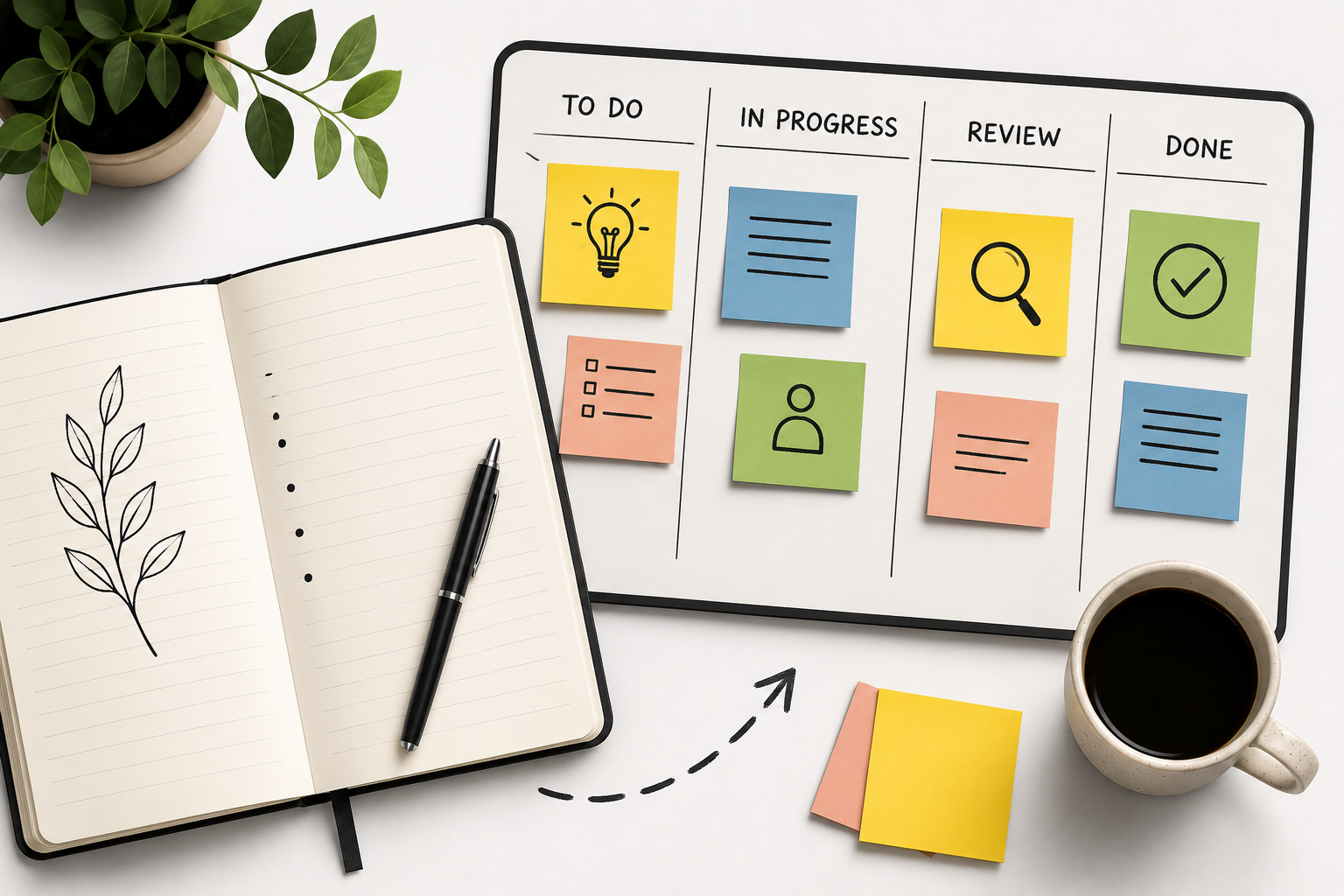
Some teams pour everything into task management. Others invest in documentation and knowledge sharing. The interesting productivity gains usually show up when both habits run side by side.
Kanban helps a team visualise work, prioritise and keep projects moving. Journaling captures context: decisions, blockers, learnings and how things actually unfolded. Together they produce a workflow that is organised and reflective rather than just busy.
Teams that only manage tasks lose context. Teams that only document lose momentum. Doing both closes the gap.
Why Kanban works so well
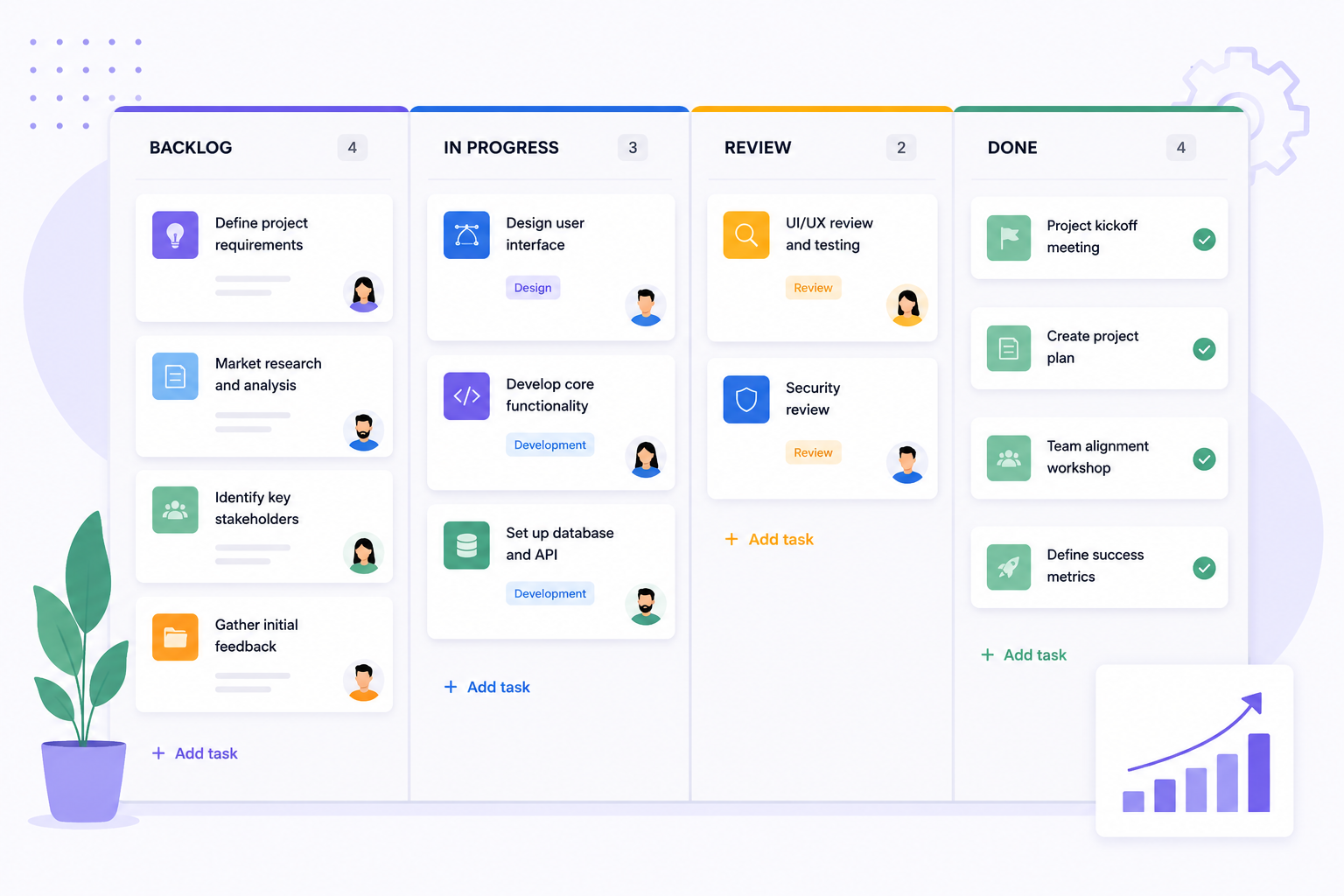
Kanban simplifies complexity. Work becomes visible, priorities become explicit and bottlenecks become hard to ignore. A board answers the questions that eat up status meetings:
- What is being worked on right now
- What is blocked or waiting
- What is already finished
- Where priorities need to shift next
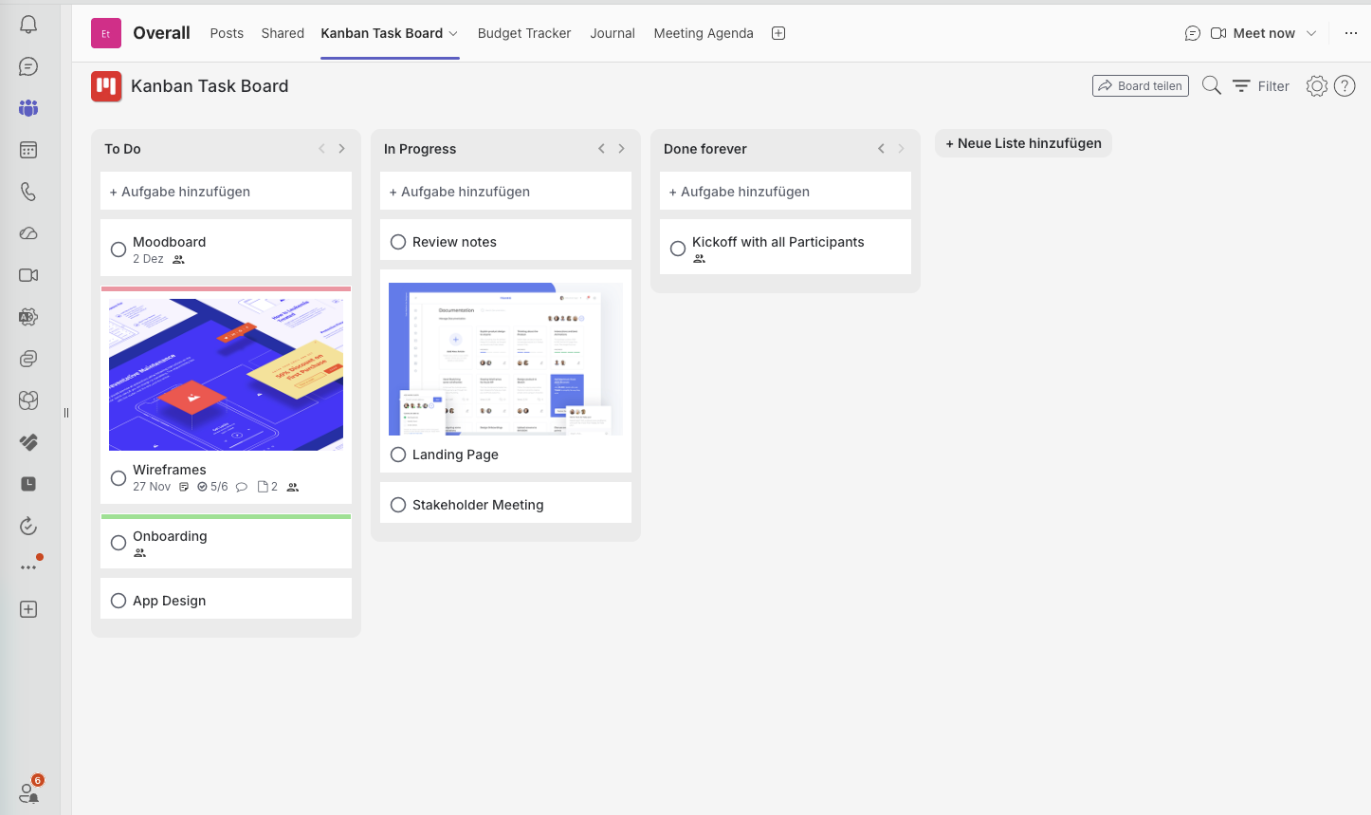
Kanban Task Board brings that view directly into Microsoft Teams, so agile workflows do not require yet another platform.
Where journaling complements Kanban
A board shows what happened. A journal explains why. That is the part most teams lose — the reasoning behind a decision disappears into a chat thread and gets re-litigated three months later.
Digital journaling in a professional setting usually covers retrospectives, daily reflections, meeting notes, decision records and lessons learned. Kept in Microsoft Teams, it becomes a searchable knowledge layer beside the work itself.
The real power: execution plus reflection
| Kanban | Journaling |
|---|---|
| Tracks workflow | Captures context |
| Optimises execution | Encourages reflection |
| Focuses on delivery | Focuses on learning |
| Shows progress visually | Documents progress historically |
Kanban
Tracks workflow
Journaling
Captures context
Kanban
Optimises execution
Journaling
Encourages reflection
Kanban
Focuses on delivery
Journaling
Focuses on learning
Kanban
Shows progress visually
Journaling
Documents progress historically
That loop matters most in remote and hybrid teams, where communication fragments quickly and nobody overhears the decision that was made at a desk.
A more sustainable way to work
Productivity is not only about moving cards faster. It also depends on clarity, communication and institutional memory. Teams that combine structured Kanban workflows with collaborative journaling typically report:
- Faster onboarding for new team members
- Less knowledge lost when people change roles
- More transparent project communication
- Retrospectives that produce real improvements
- Stronger alignment across teams
Written by
Daniel Weber
Daniel Weber writes about modern productivity methods, visual task management and digital collaboration, with a focus on lean workflows and continuous improvement for teams of any size.